DAU declining. Sessions dropping. Users trusted the brand but the experience wasn't worth returning to. We rebuilt it from the ground up.
The app had a retention problem, not a discovery one.
HT had millions of installs and trusted journalism. Users weren't leaving because they didn't know HT — they were leaving because the app gave them no reason to stay.
The declining numbers on our dashboards were screaming that there is a problem that needs to be looked upon ASAP.
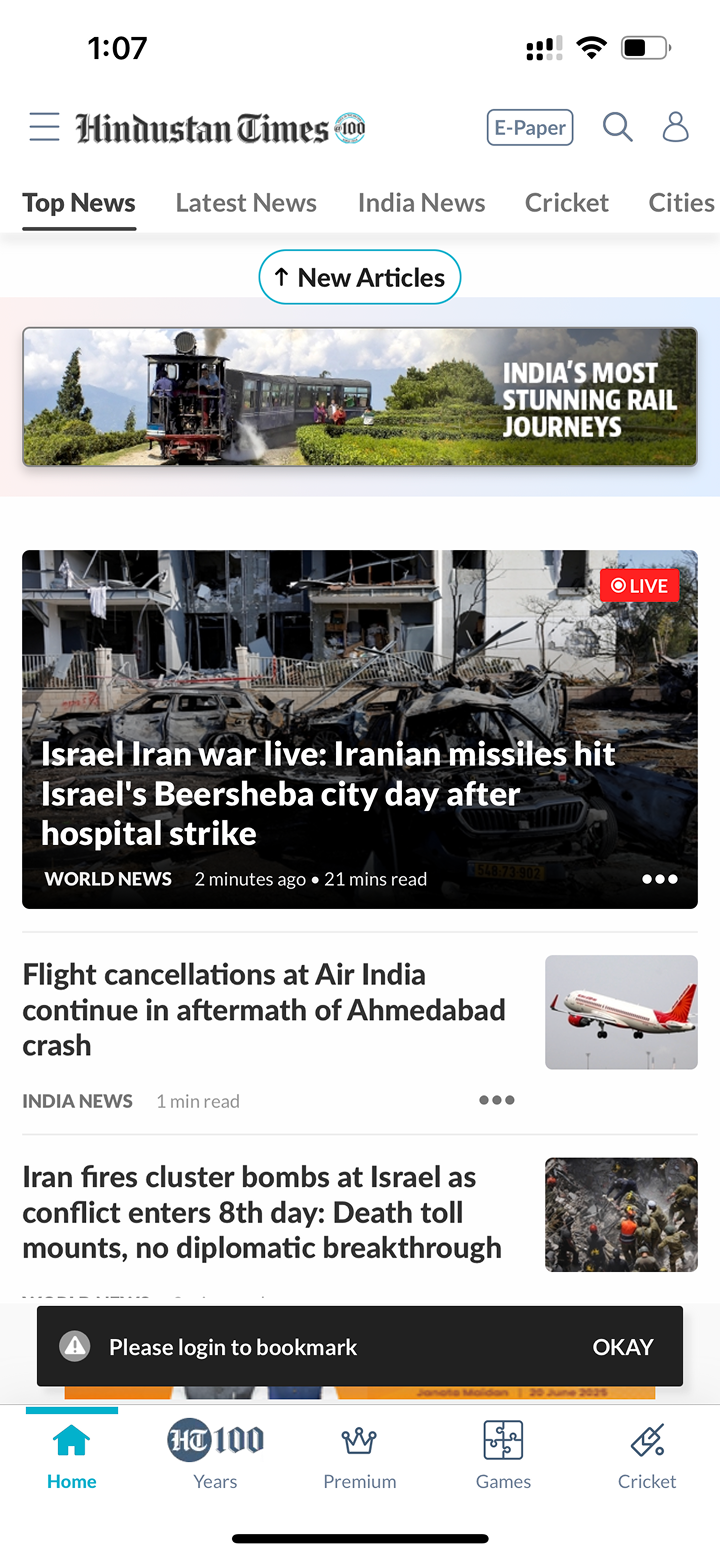
Every story looked the same. Regardless of what it was.

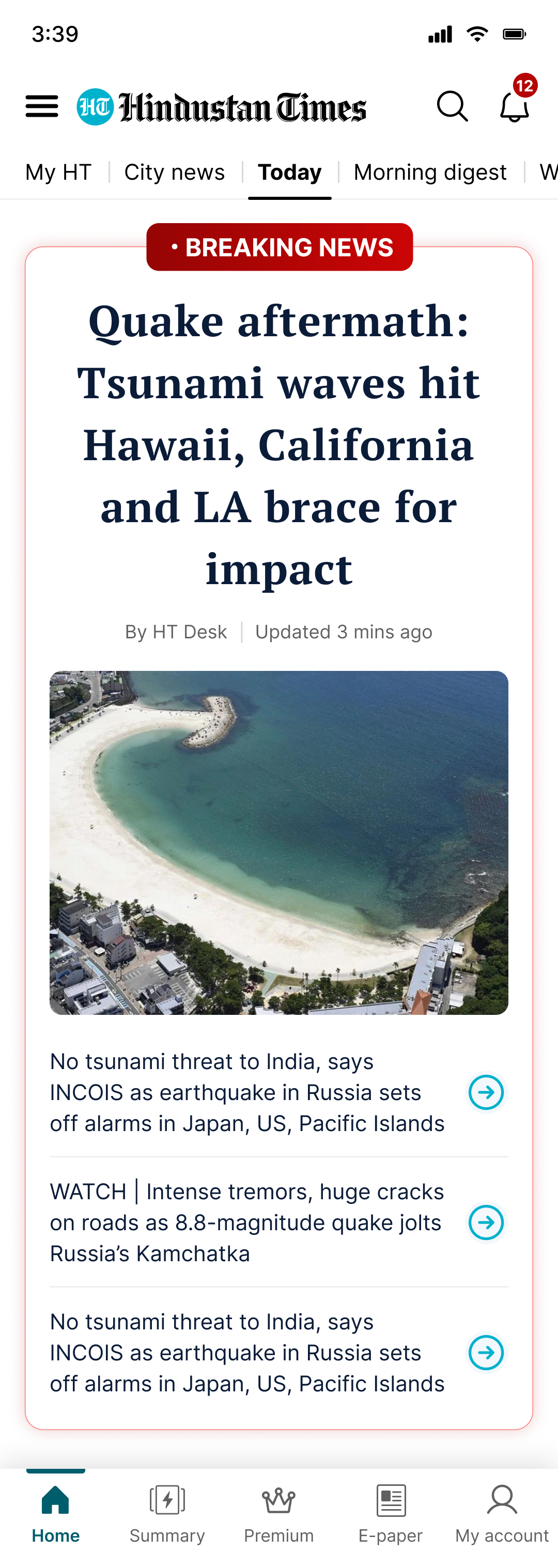
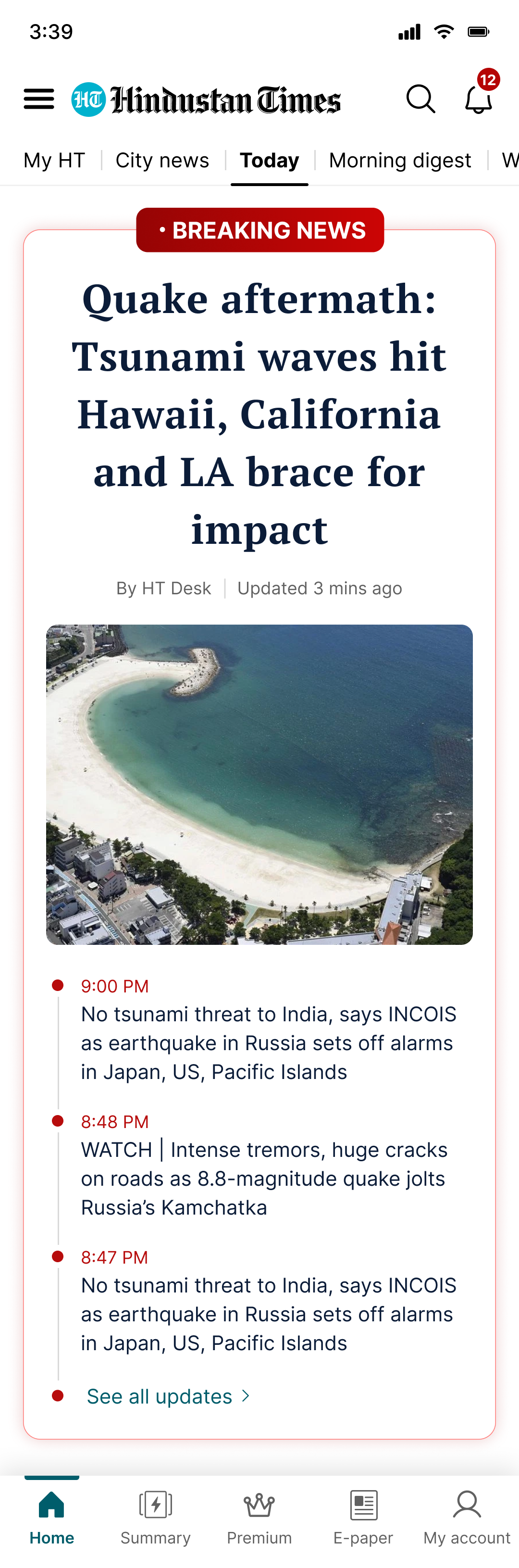
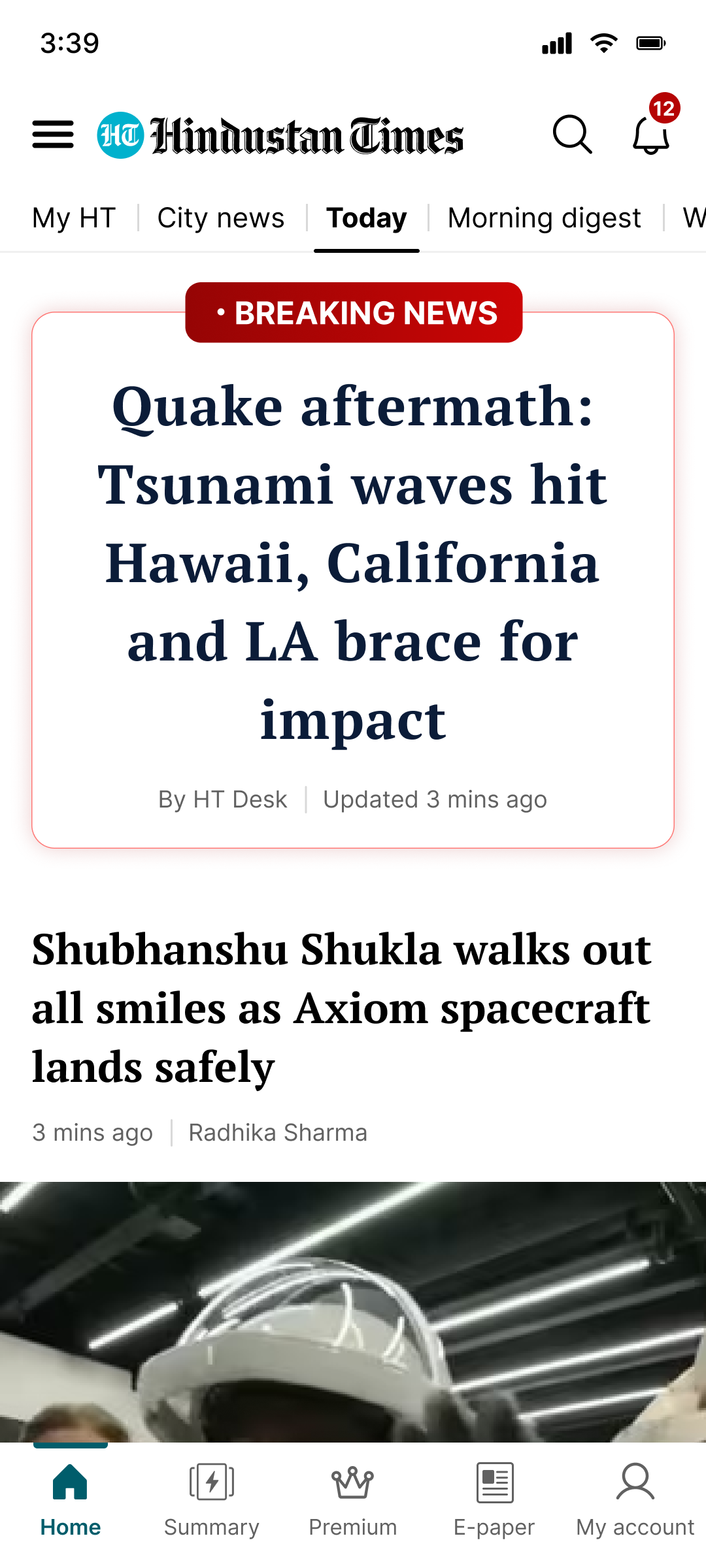
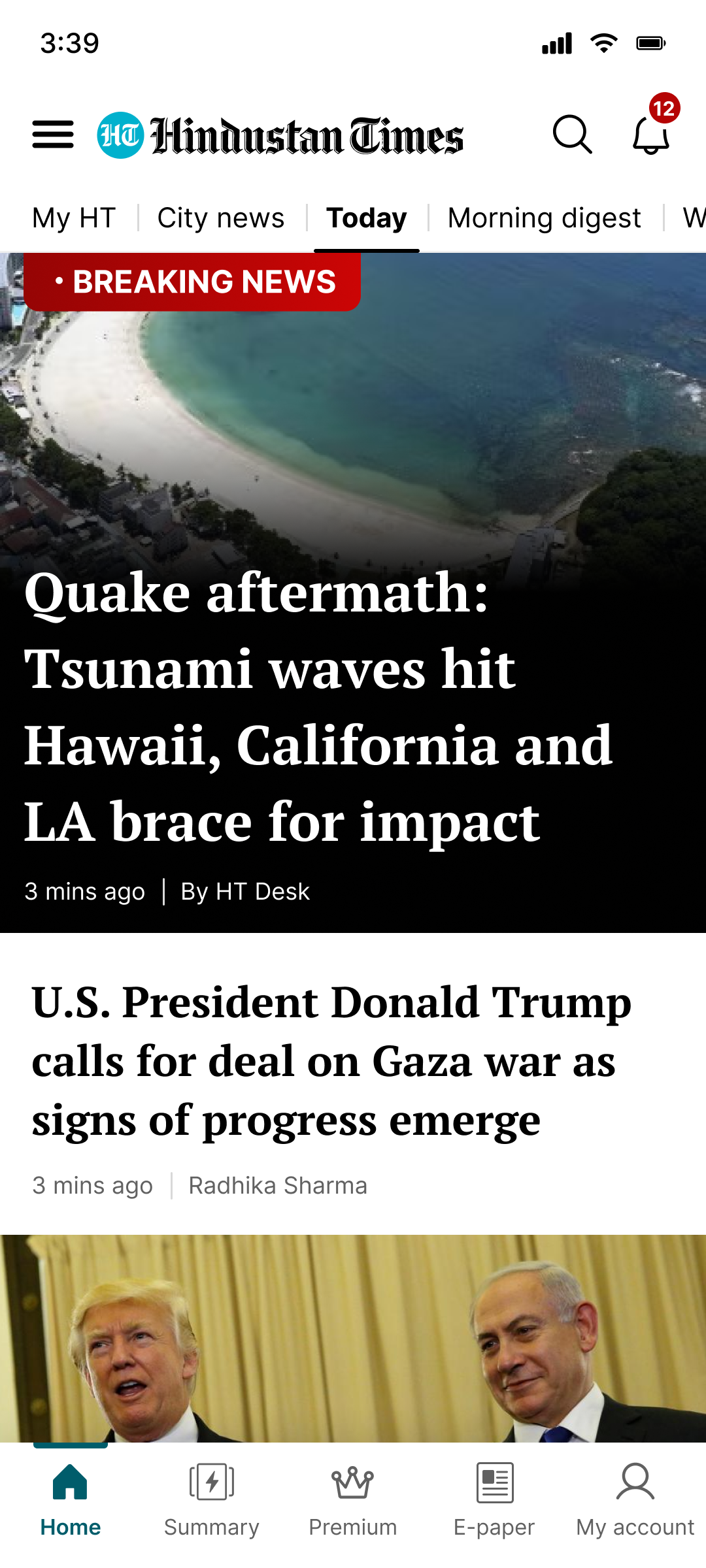
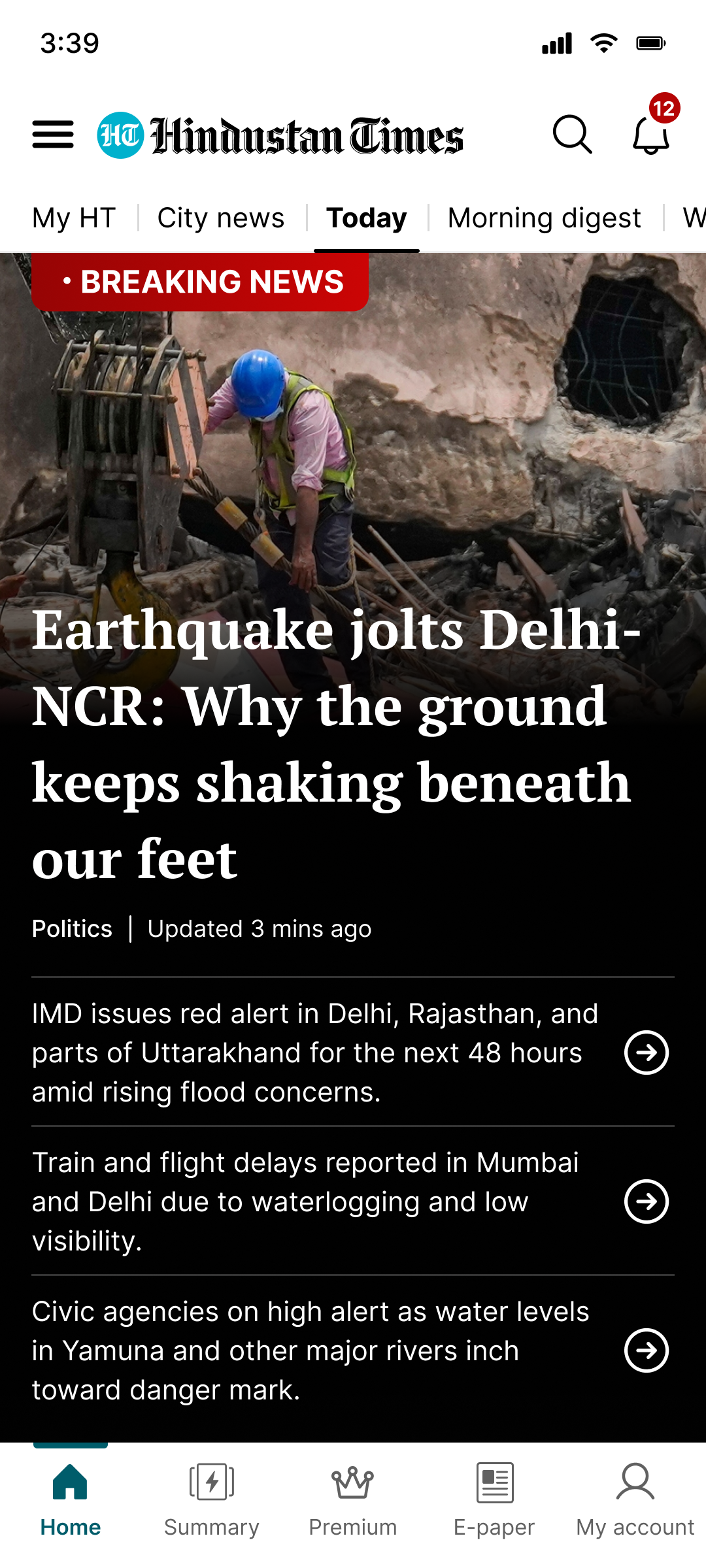
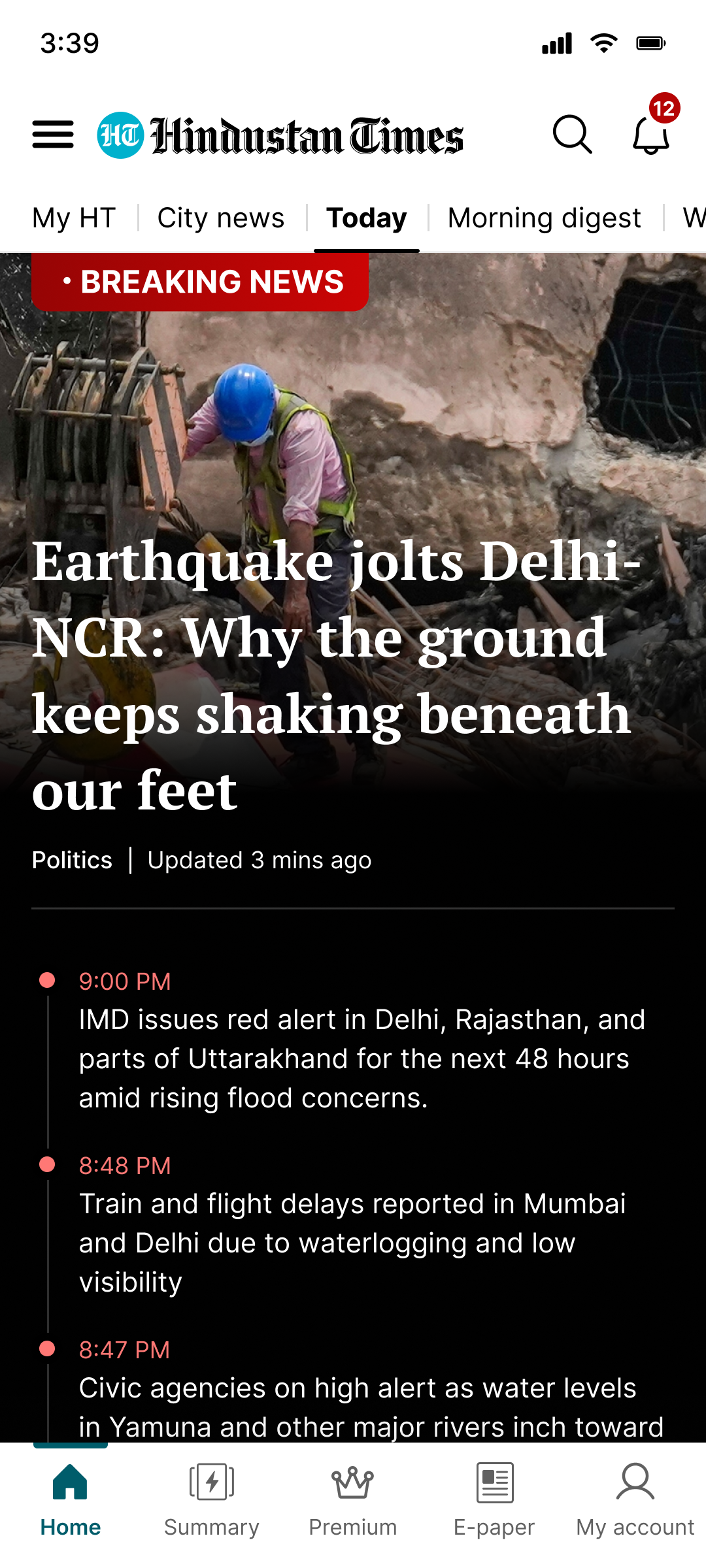
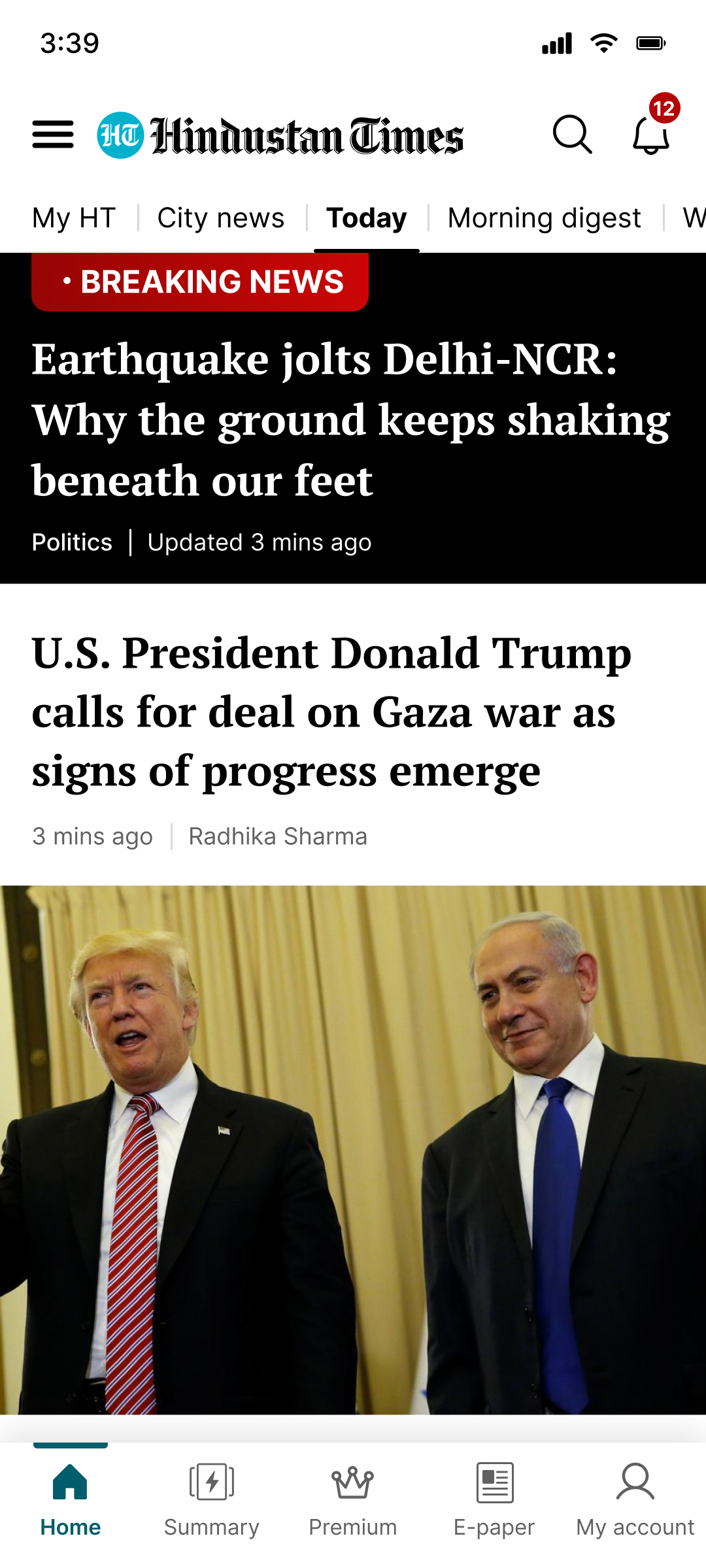
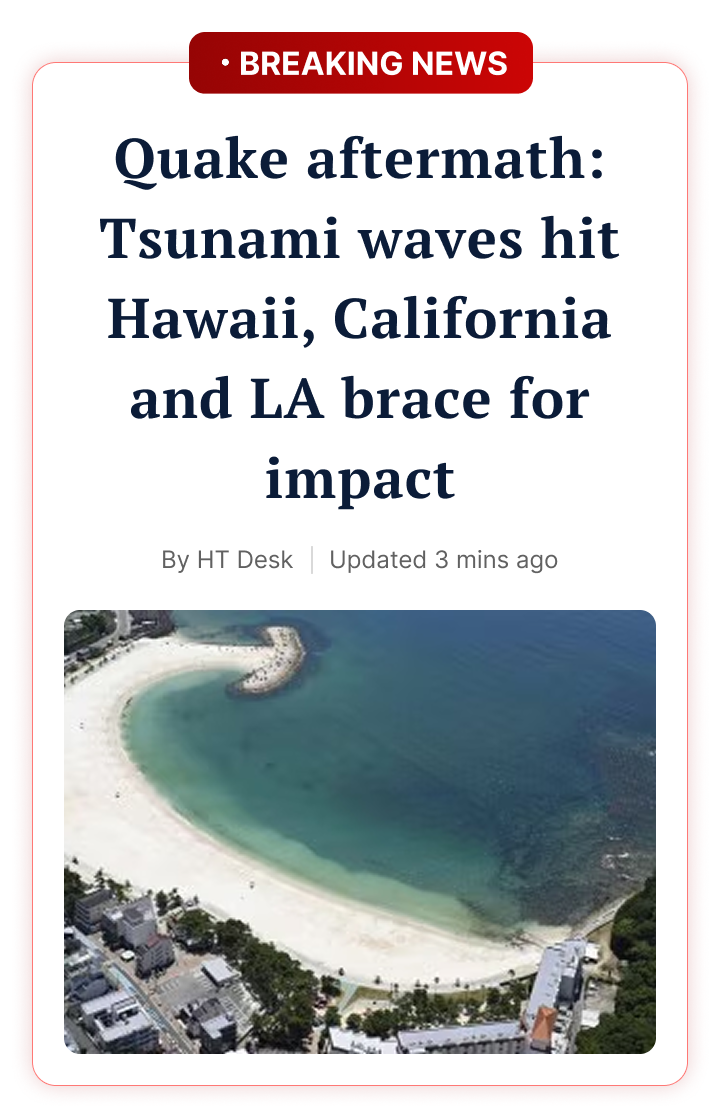
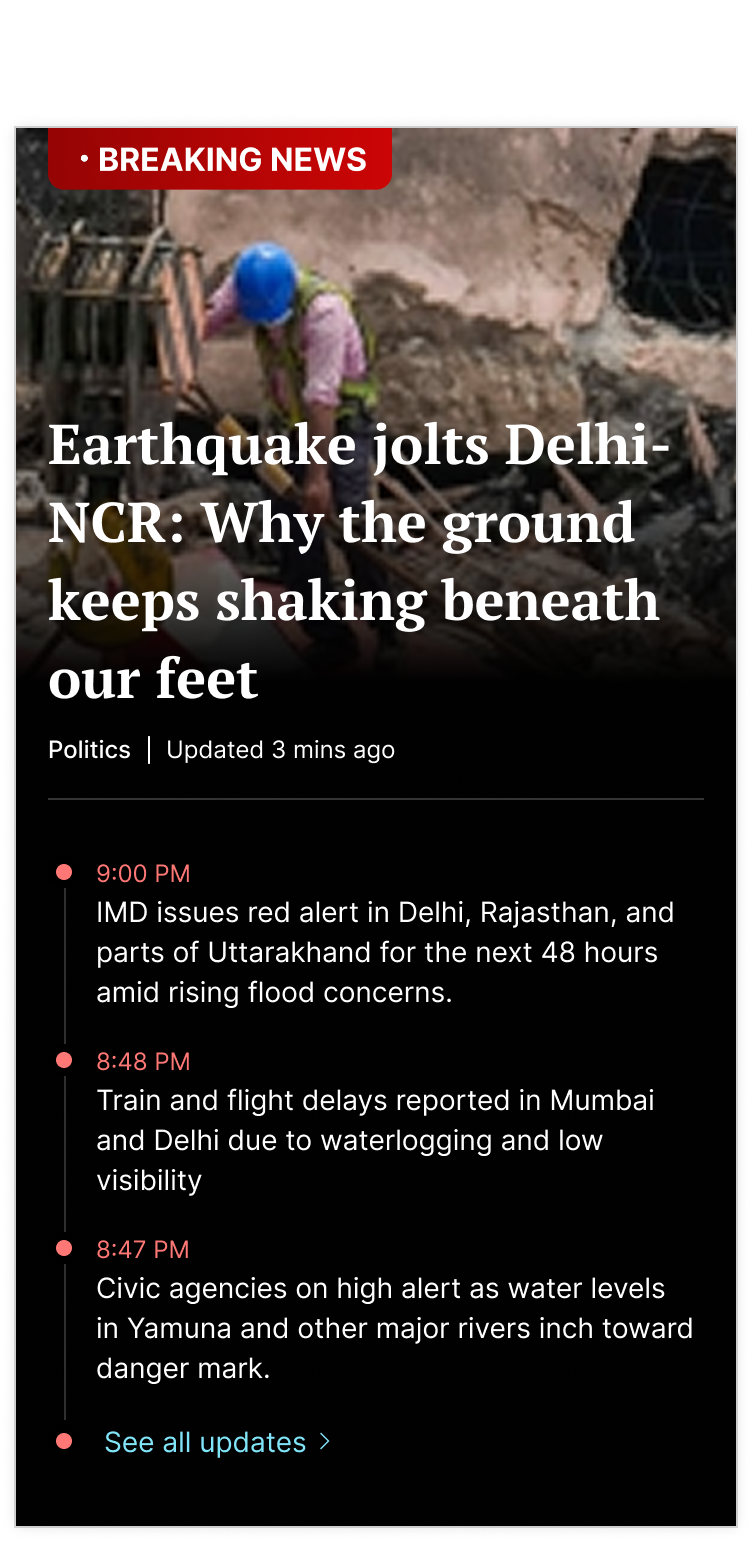
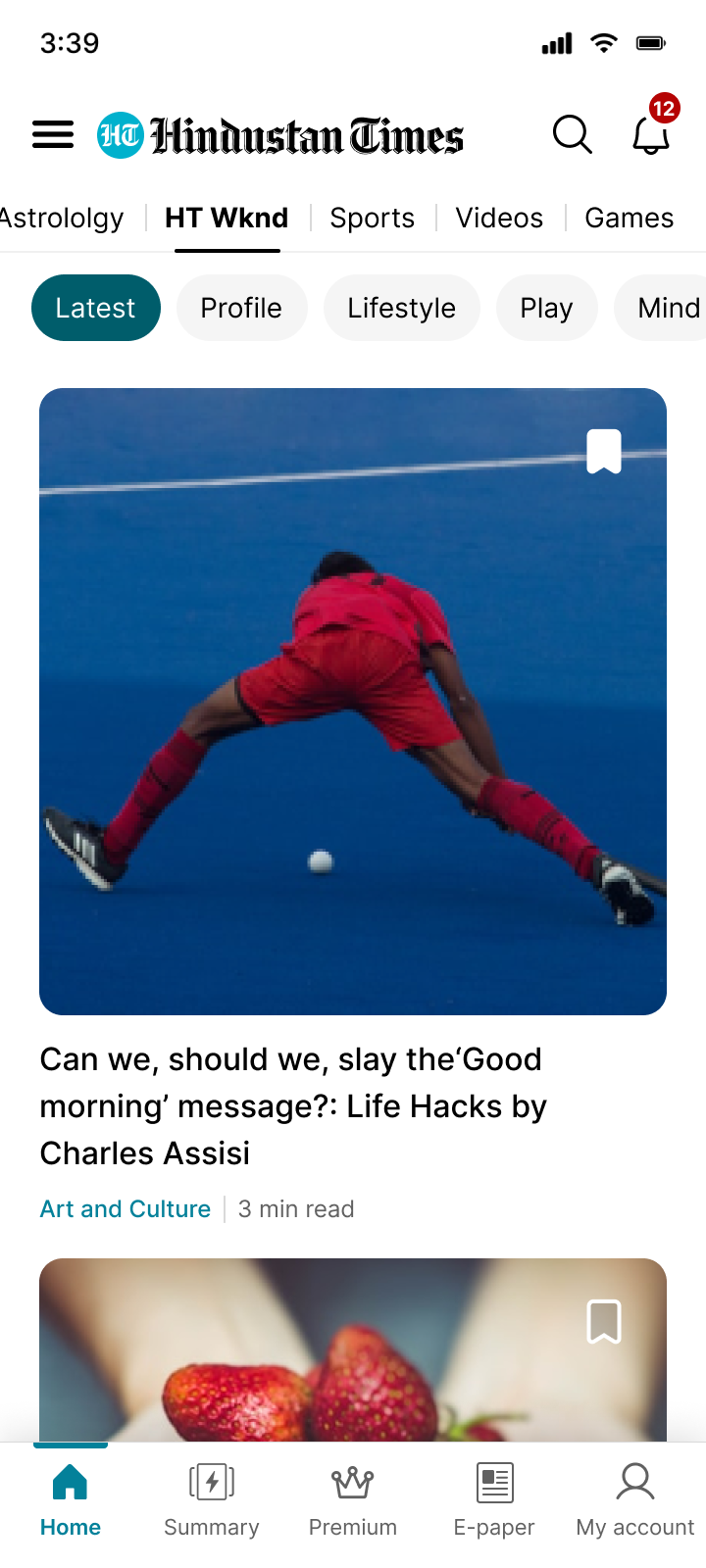
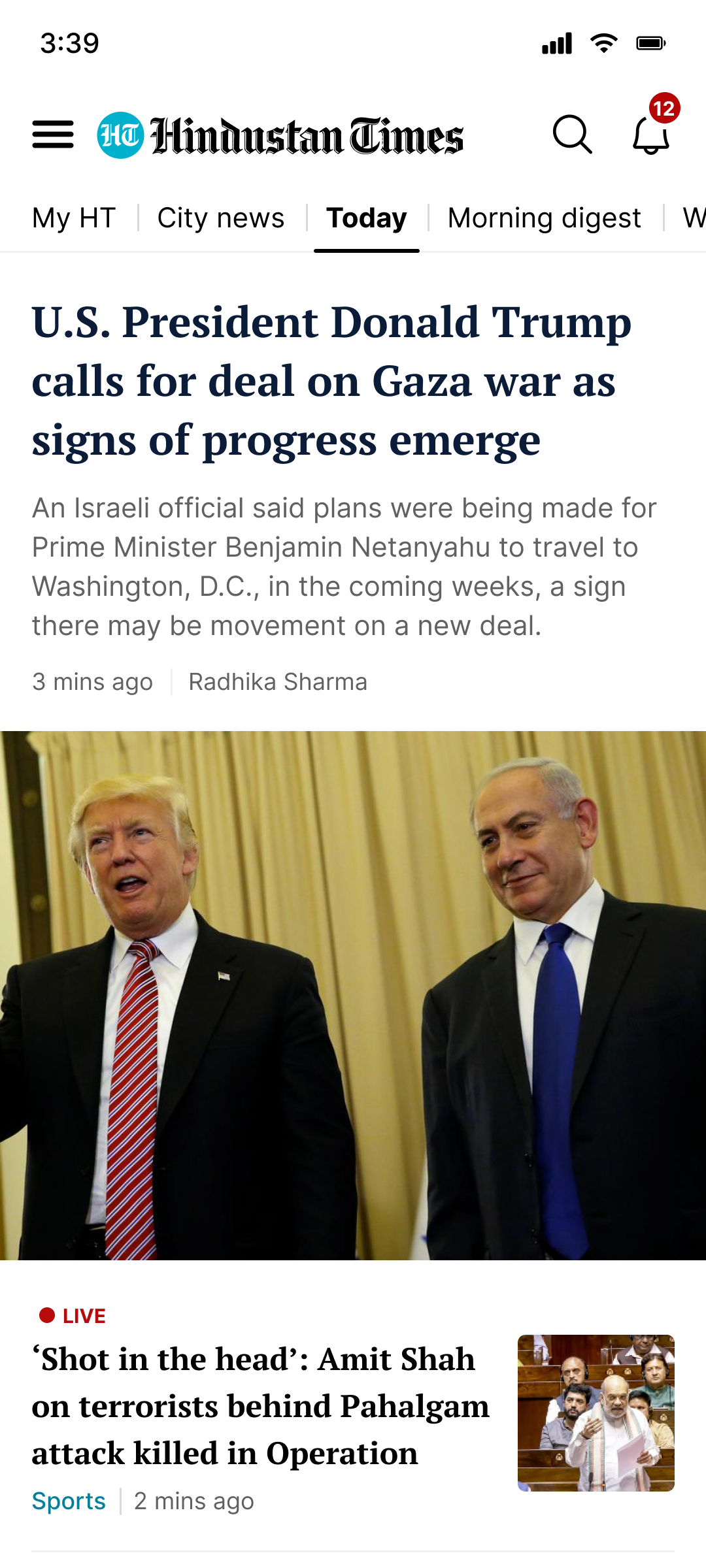
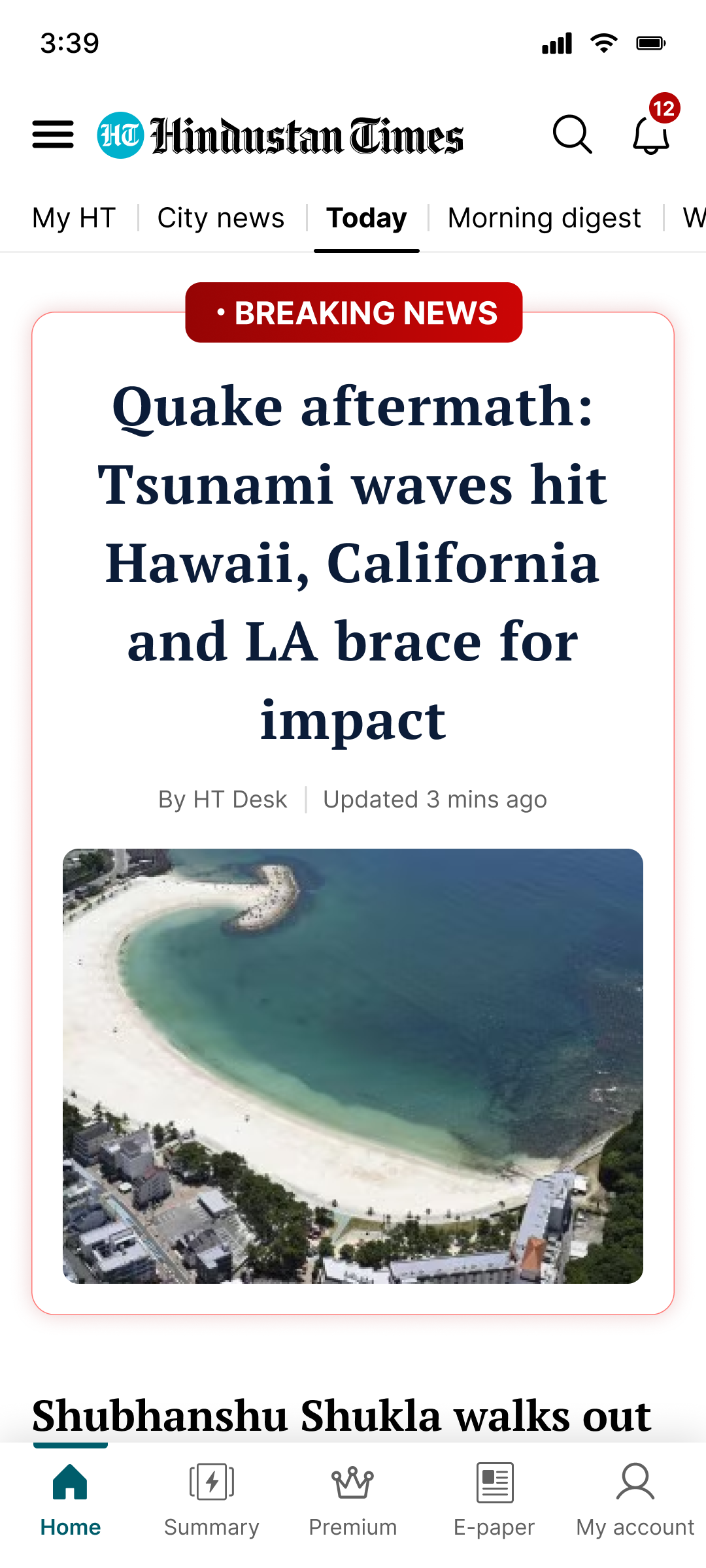
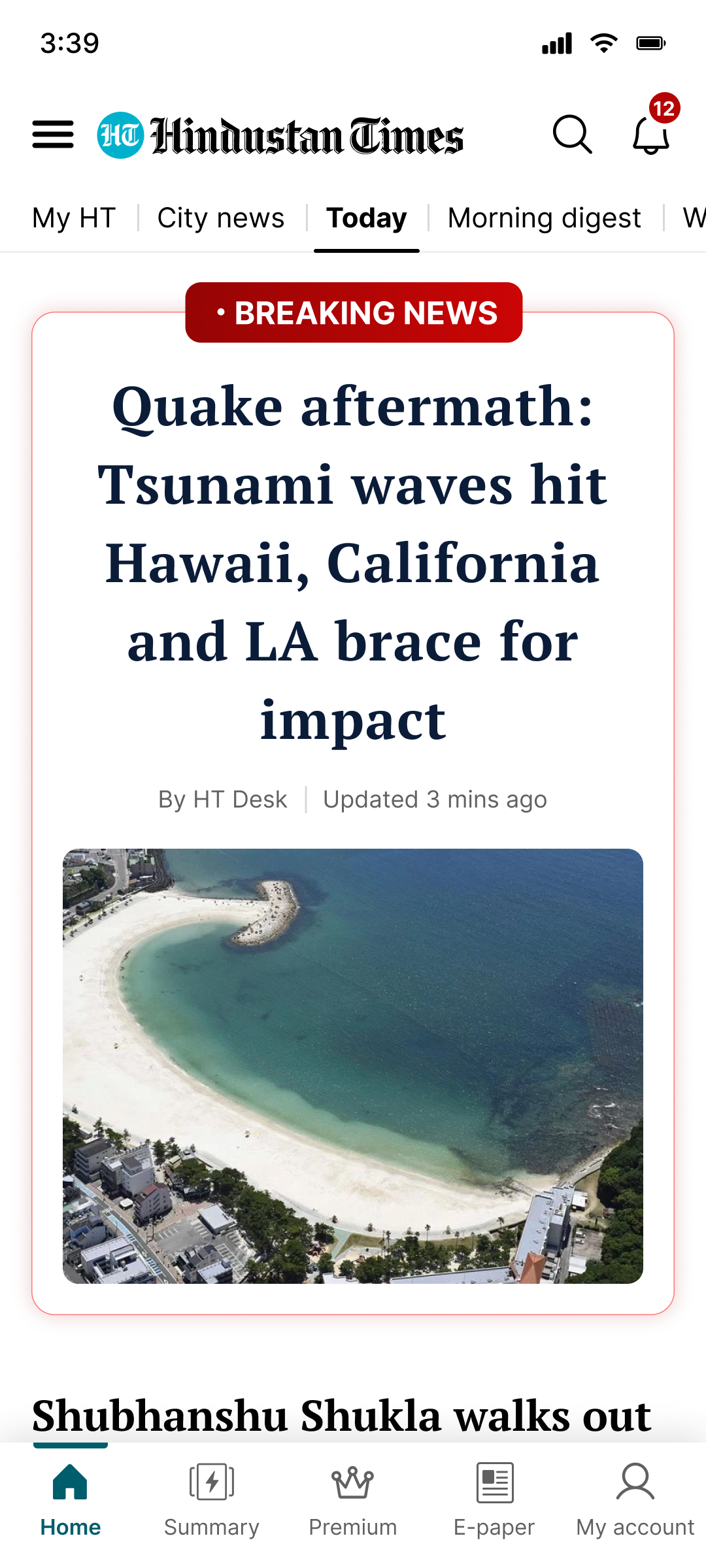
Breaking news now has its own visual language — two templates, multiple states, handling every media scenario.


12 users. 4 patterns. One clear direction.
Interviews with active HT users who also used competitors. We wanted to know where they were going instead — and why.
I studied 22 news apps. Here's what I found.
A deep dive across top Indian and global news apps to understand where HT stood — and what the bar looked like.
From 2 templates to a system that speaks.
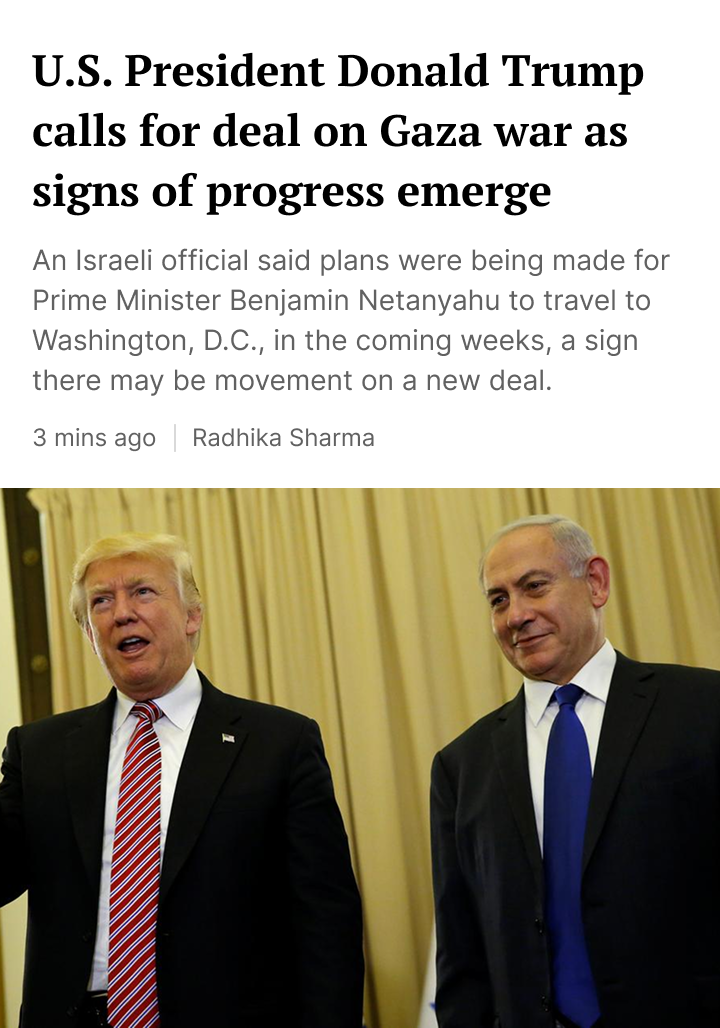
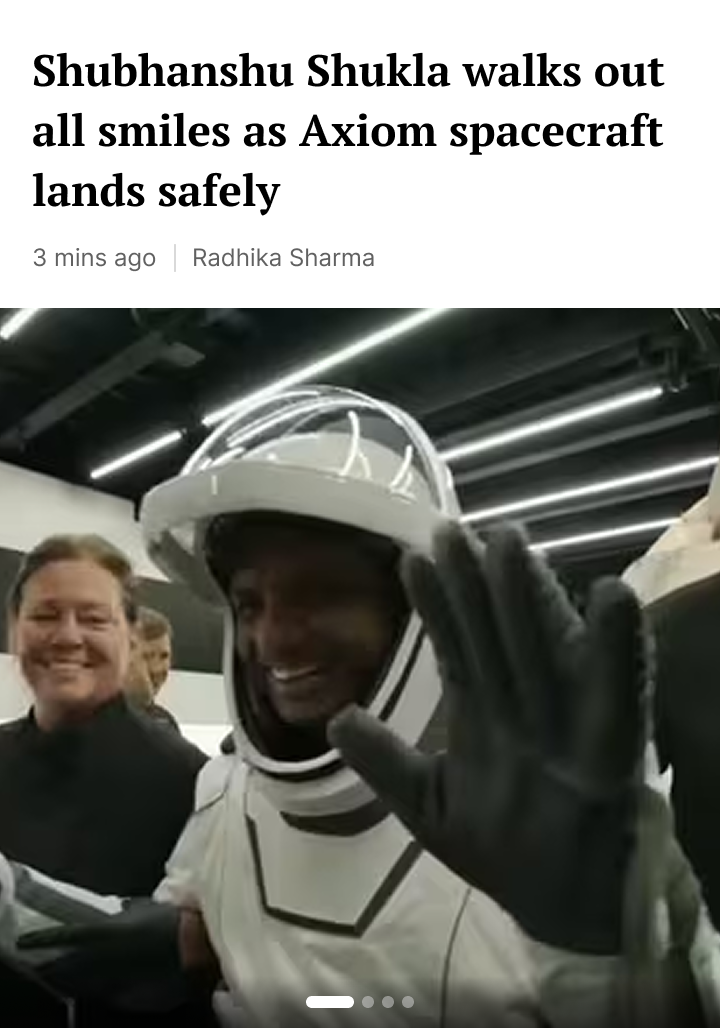
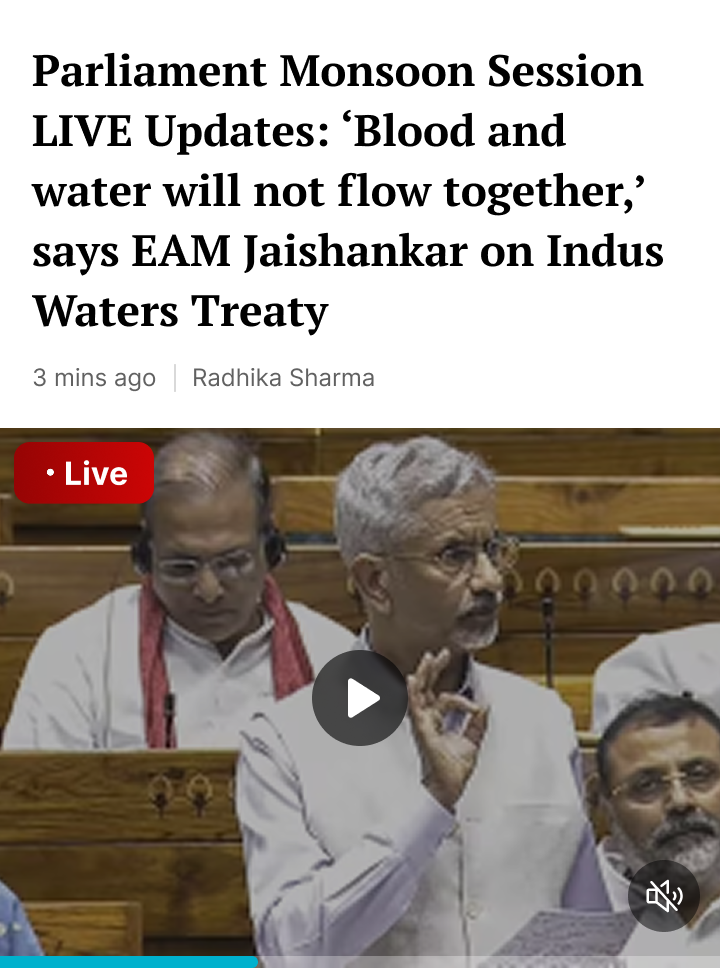
Each card type signals content urgency visually — live, breaking, ongoing, lead story. All handle the full media spectrum: 4:3, 1:1, gallery, video, no image.


Centering "Today" turned a one-way scroll into discovery.
When "Today" sat at position 1, there was nothing to the left — navigation was a one-way street. Moving it to position 3 puts categories on both sides, passively exposing users to more of the app.


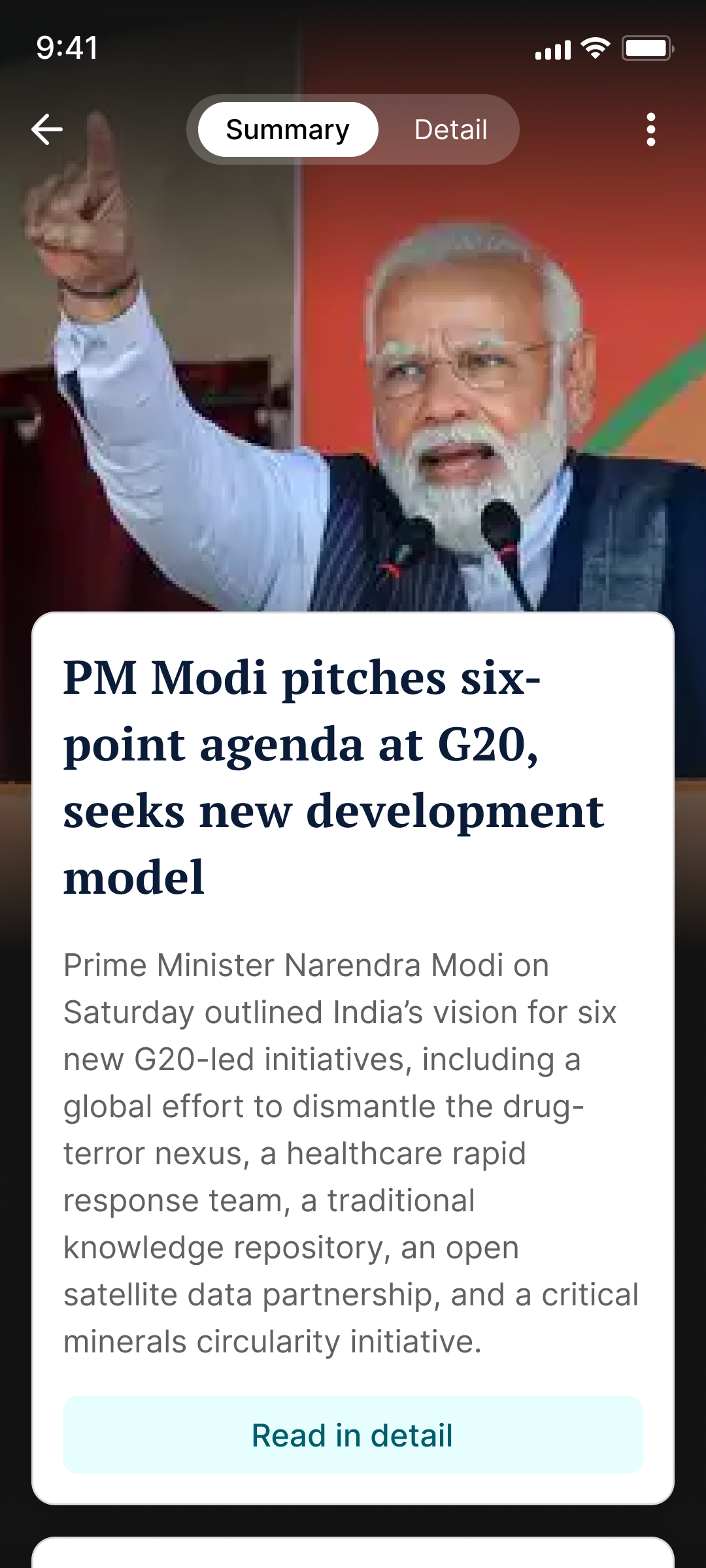
Short news.
Infinite scroll.
Two taps to the full story.
Built for on-the-go seekers. Inshorts had this reader. We built HT's answer. Each story distilled to a summary card. Scroll infinitely. Tap "Read in detail" or switch via the Summary/Detail toggle at top.

Content users wanted.
Finally on the homepage.
Morning digest, video, entertainment, trending topics, stocks, and expert opinion — all missing before the redesign.
Every surface redesigned.
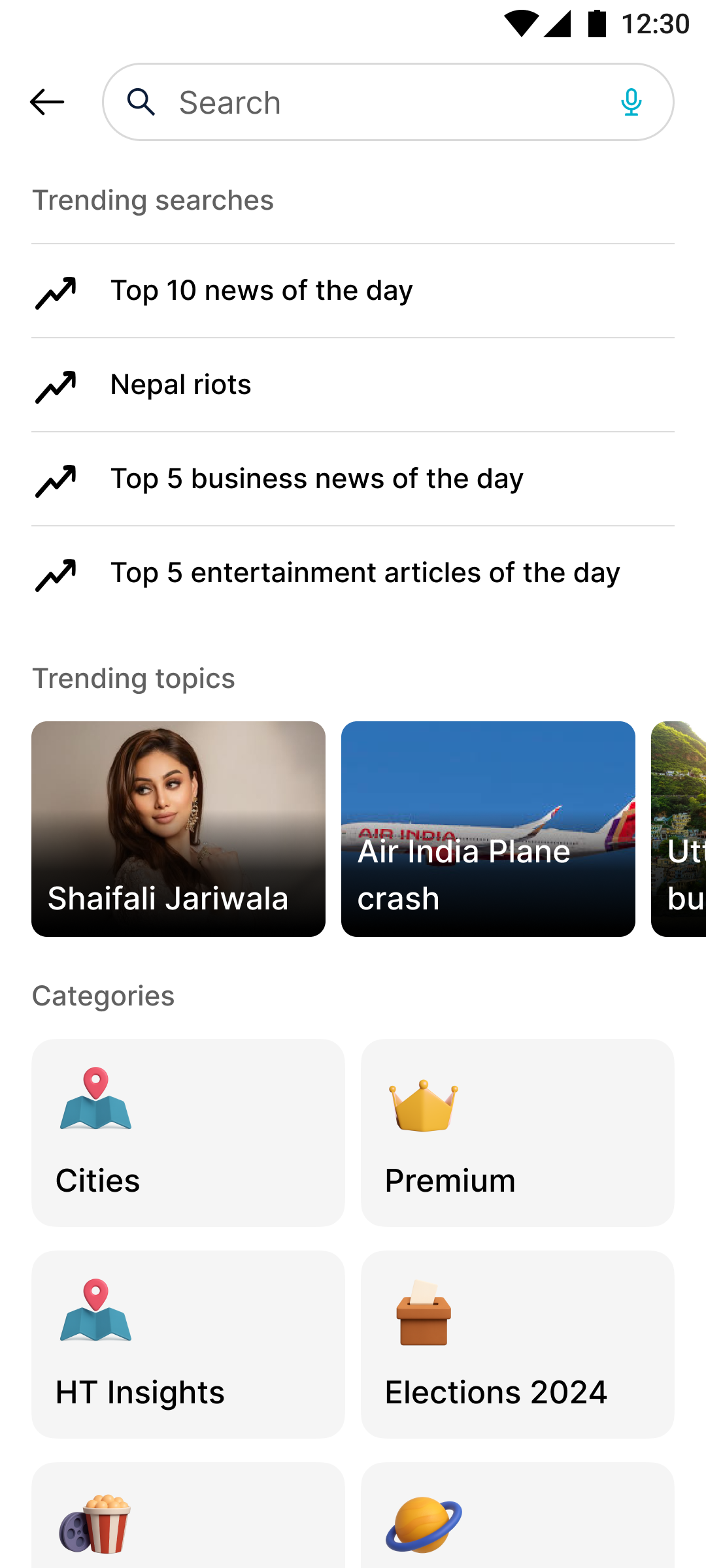
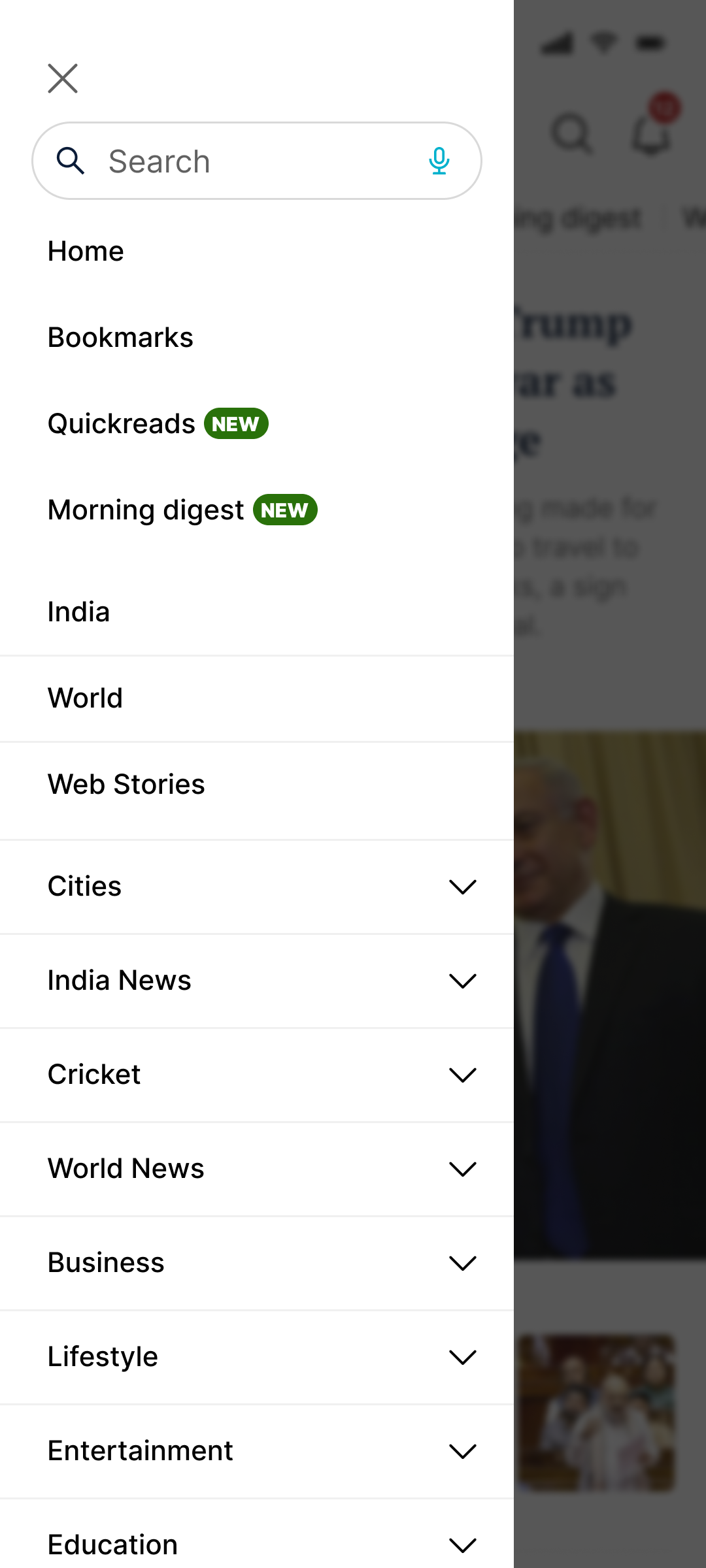
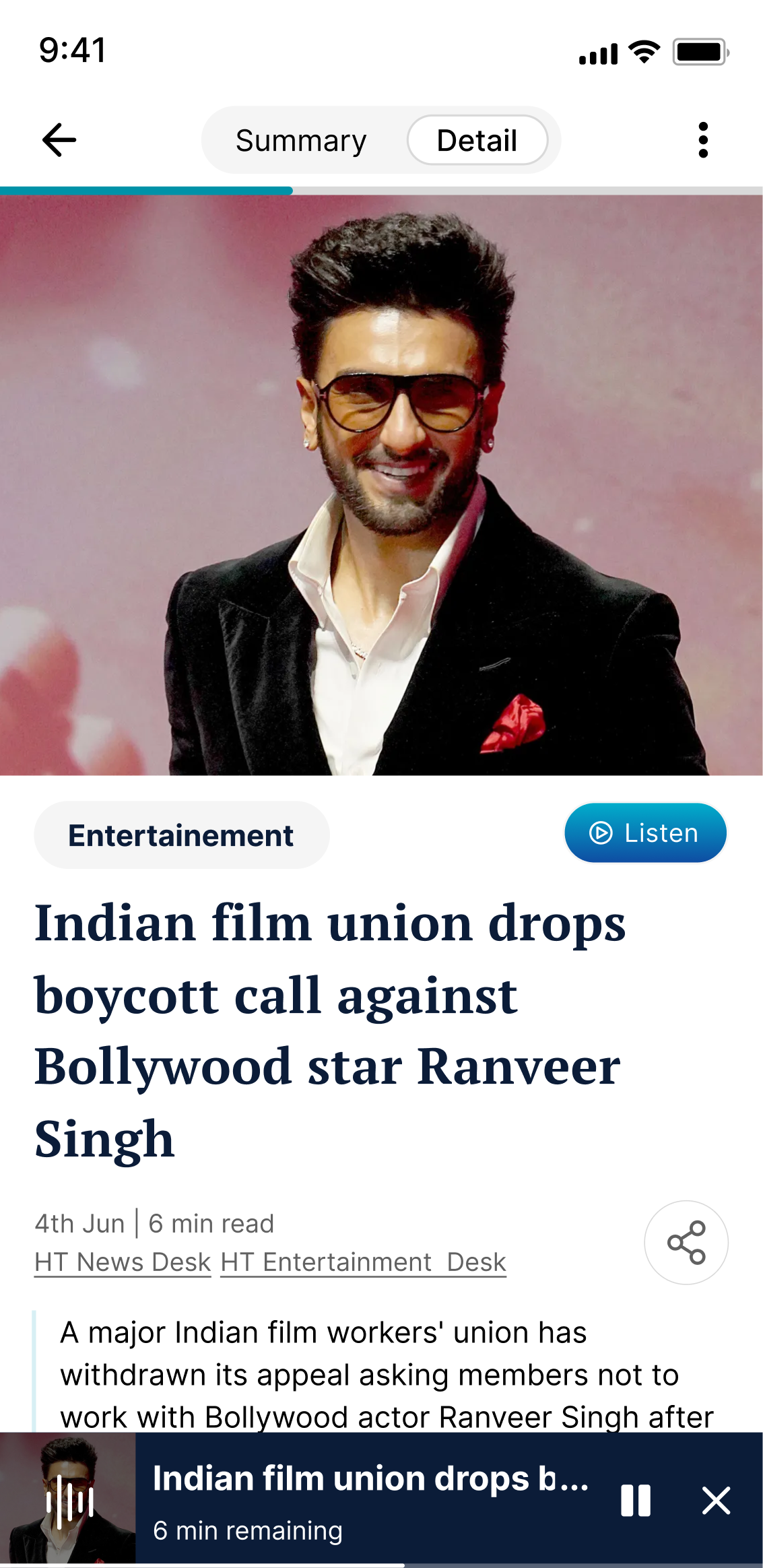
Section pages, search, article detail, side menu — the entire app, not just the front door.


AI-assisted from concept to prototype.
Three tools, one tight loop. Compressed weeks of exploration into days.
We tested the prototype before we shipped.
Moderated sessions. Three findings led to direct changes before launch.
The numbers moved. Within a month.
The Olympics CTR spike was direct validation — type-differentiated cards drove significantly higher click behaviour on high-interest content.
What I'd do differently.
The most impactful decision was treating the homepage as a daily experience with context — morning vs. afternoon, breaking vs. evergreen, deep reader vs. skimmer. Designing for those contexts is what moved the numbers.
I'd push for a longer A/B test on Curated For You before full rollout — we saw engagement lift but couldn't isolate which personalisation signals drove it. That data would have sharpened the next iteration significantly.